glasses

Accessibility Mode

Settings

Font Size

Contrast Color

Font

Color Scheme

  • Google Pay
  • Garmin Pay

GOOGLE PAY

A contactless digital payment service for instant purchases and payments worldwide—using just your mobile phone or smartwatch.

img

Quick setup

img

Secure payments

img

Easy payments

You no longer need to carry cash or fumble for your card

Enjoy fast, effortless payments — one tap is all it takes with your phone or watch.

How to set up Google Pay?

red_sphere
01

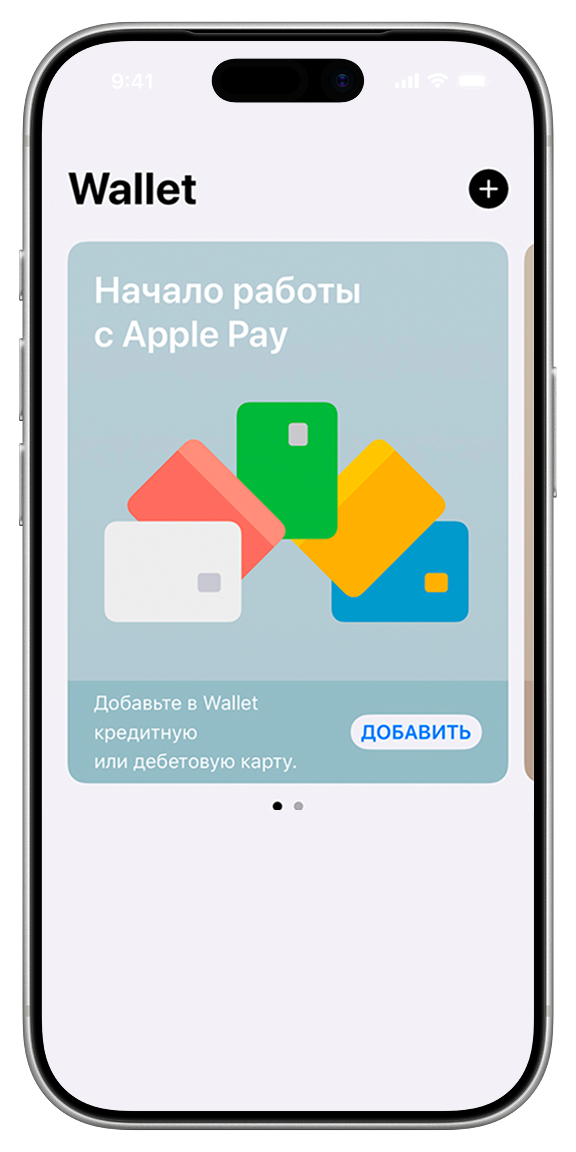
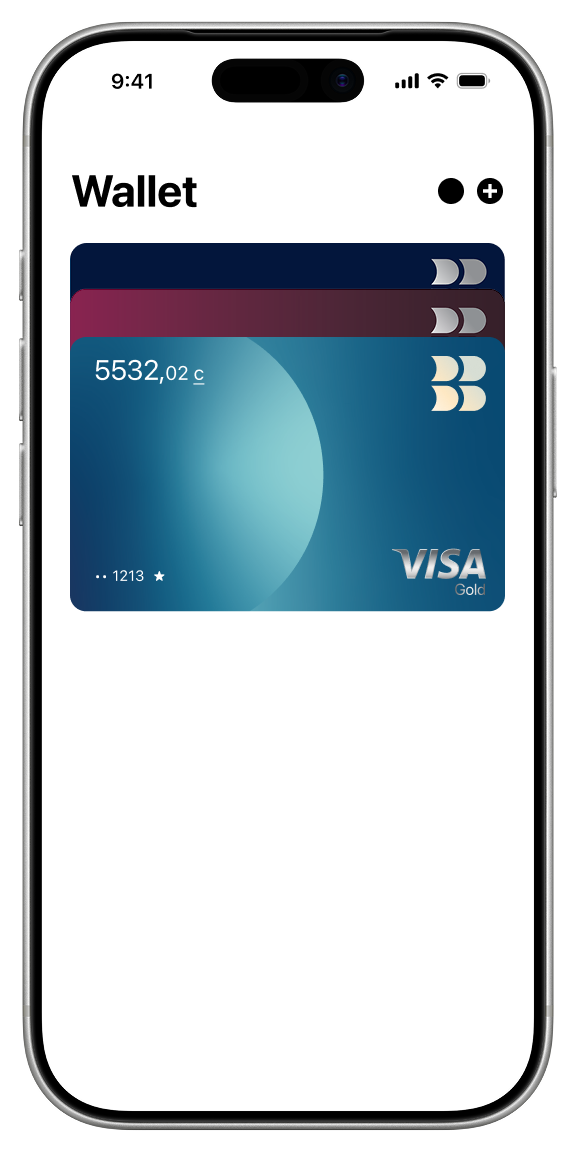
Open the BakAi app and tap the card you want to add to Google Pay

On the card page, tap the “Add to Google Wallet” button

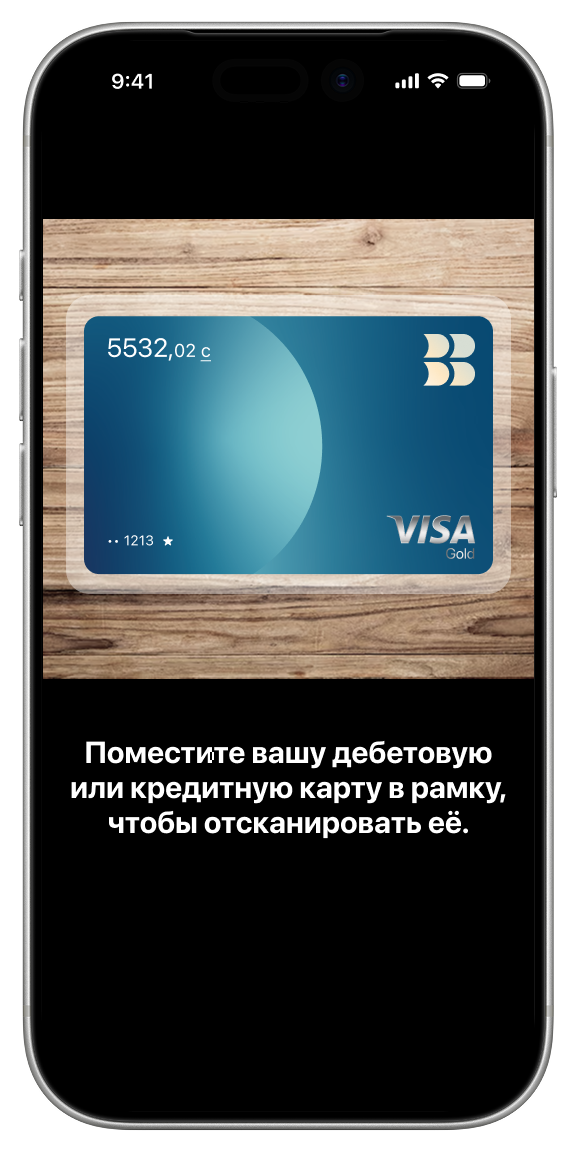
Next, the G Pay app will open—just fill in the necessary details to proceed

The app will prompt you to enable NFC to continue

If you see the Google icon, your Google Pay setup was successful

Open the BakAi app and tap the card you want to add to Google Pay
On the card page, tap the “Add to Google Wallet” button
Next, the G Pay app will open—just fill in the necessary details to proceed
The app will prompt you to enable NFC to continue
If you see the Google icon, your Google Pay setup was successful
blue_sphere

Paying with Google Pay: How it works

1

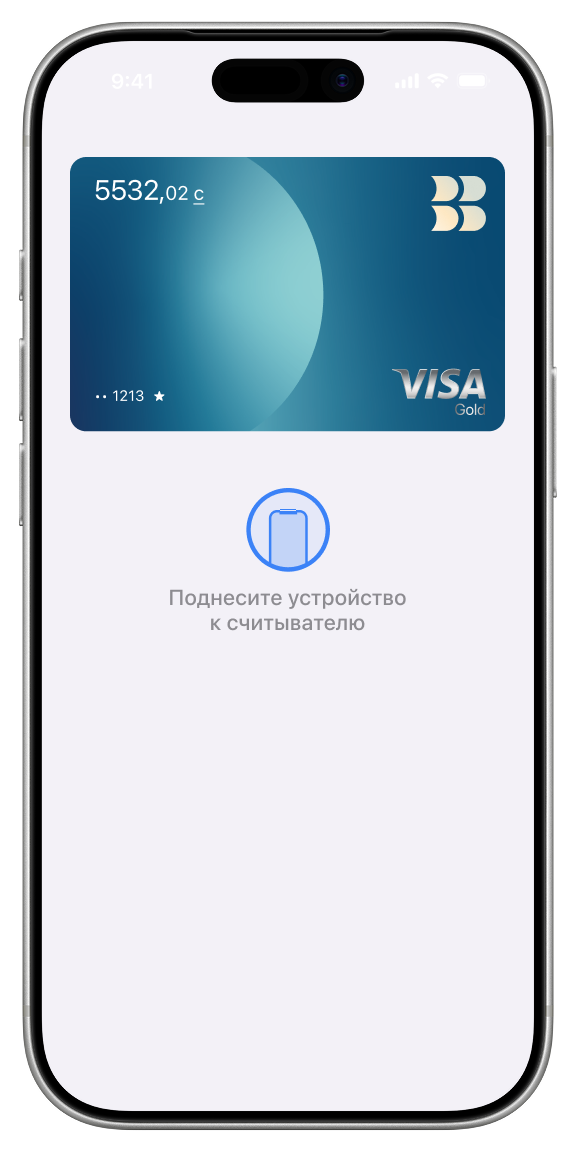
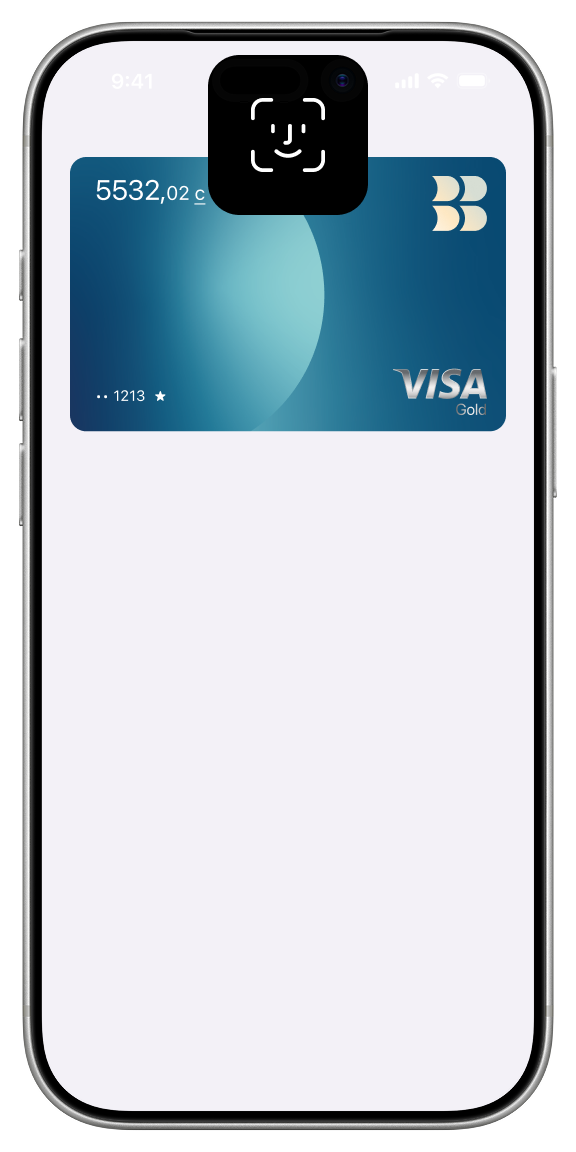
Hold your phone or smartwatch near the payment terminal

Be sure to hold your phone near the terminal with the back of the device facing it

Hold your phone or smartwatch near the payment terminal

2

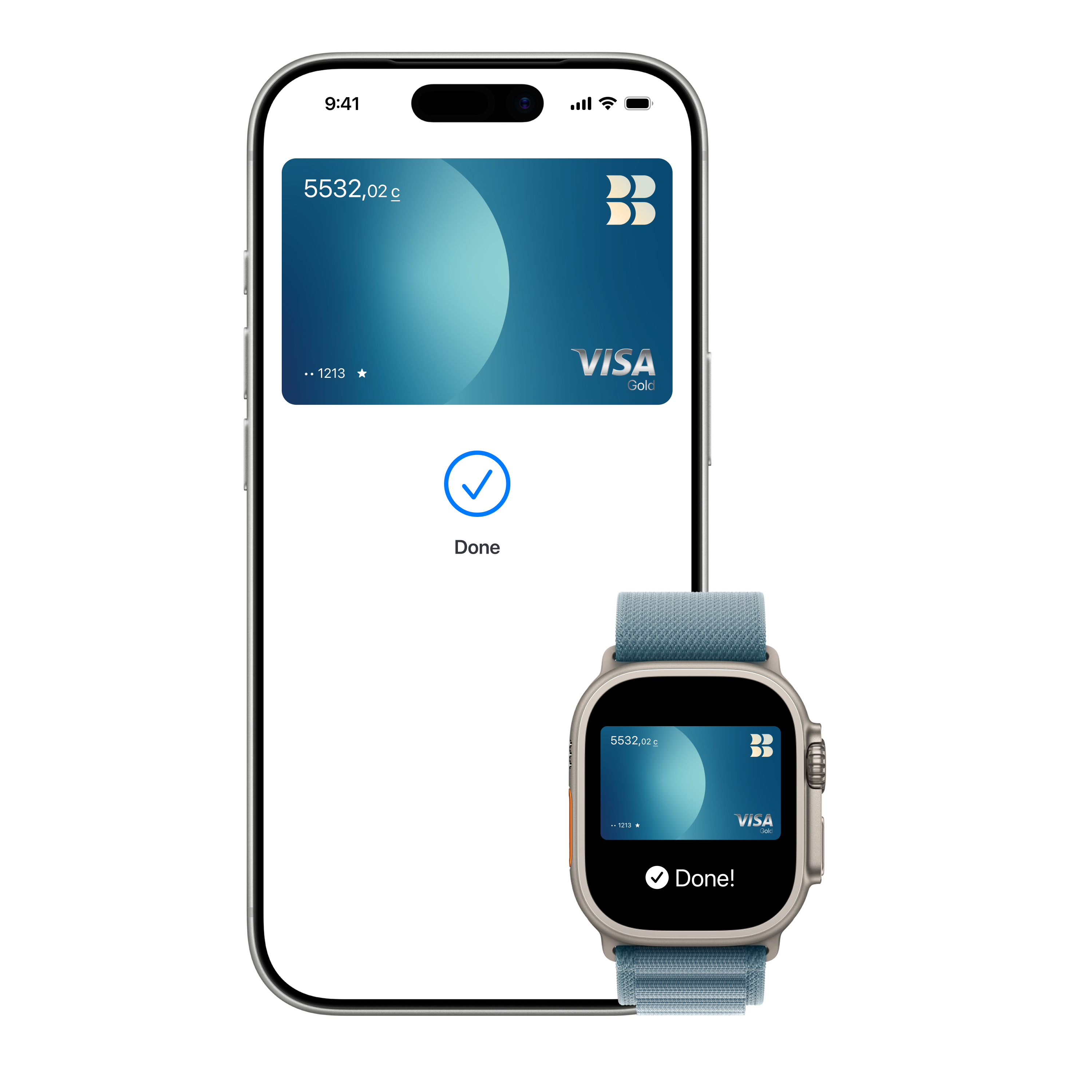
Wait for the payment to process

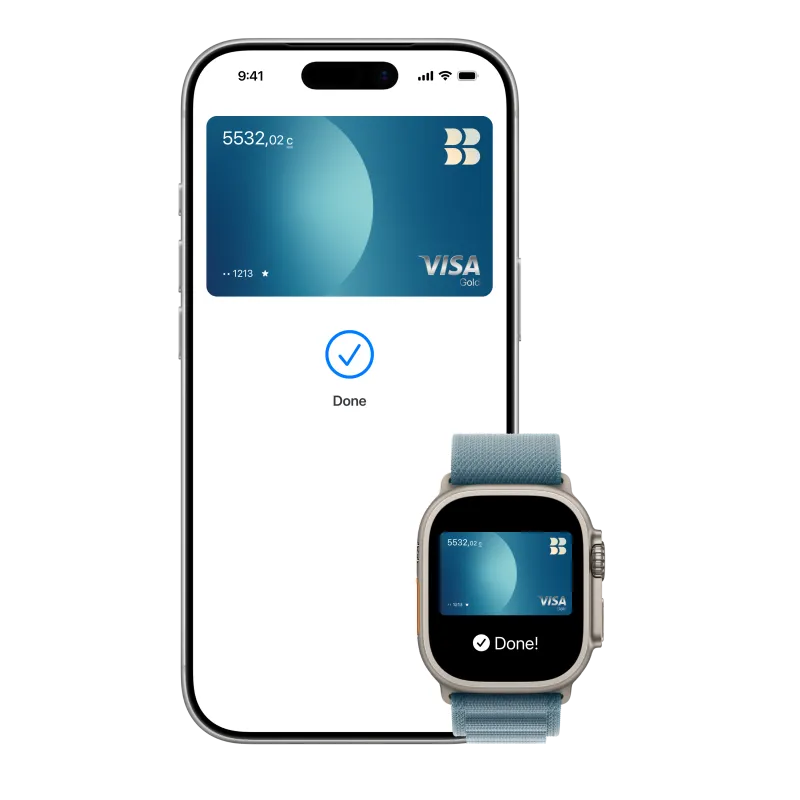
If the payment is successful, a blue checkmark will appear on the screen

Wait for the payment to process

3

Enter your card PIN

If the payment amount exceeds 4,000 soms

Enter your card PIN

Карта Видео

OPEN A VISA CARD

and start paying with your smartphone or smartwatch